

0
0
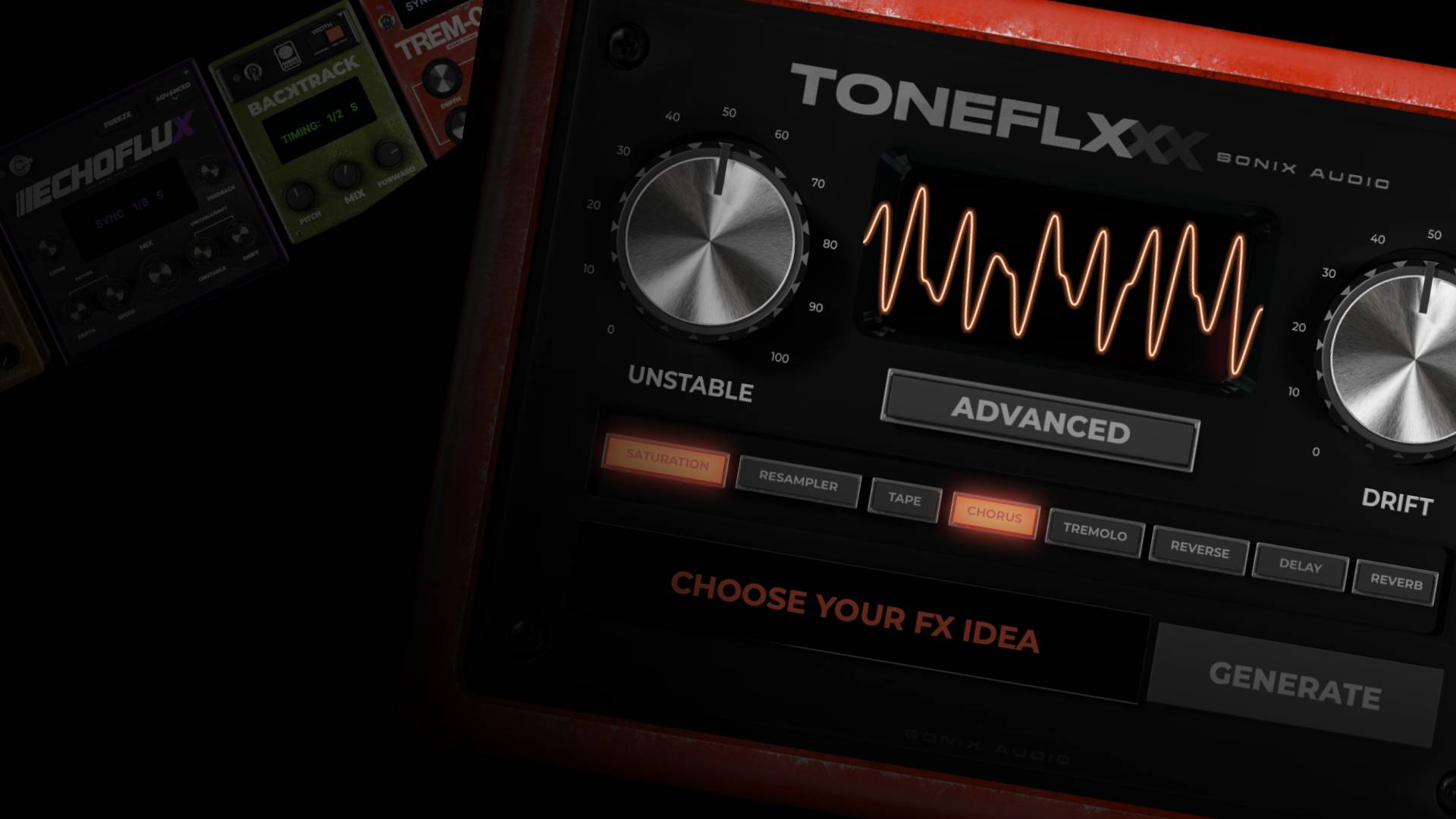
Welcome to TONEFLX
Welcome to TONEFLX
Need a hand with TONEFLX? From setup and activation to presets, updates, advanced features, and troubleshooting—everything you need is right here.
Need a hand with TONEFLX? From setup and activation to presets, updates, advanced features, and troubleshooting—everything you need is right here.
Installation
Get help installing TONEFLX to your computer


KXVI
How To Install & Activate TONEFLX
In this tutorial, KXVI walks you through the full TONEFLX installation process—from downloading the installer and getting the plugin to show up in your DAW, to activating your license key and getting up and running in minutes.You’ll also learn where to find your activation email, what to do if TONEFLX doesn’t appear in your plugin list, and where to get support if you run into any issues.
Tutorials
How To Install & Activate TONEFLX
KXVI
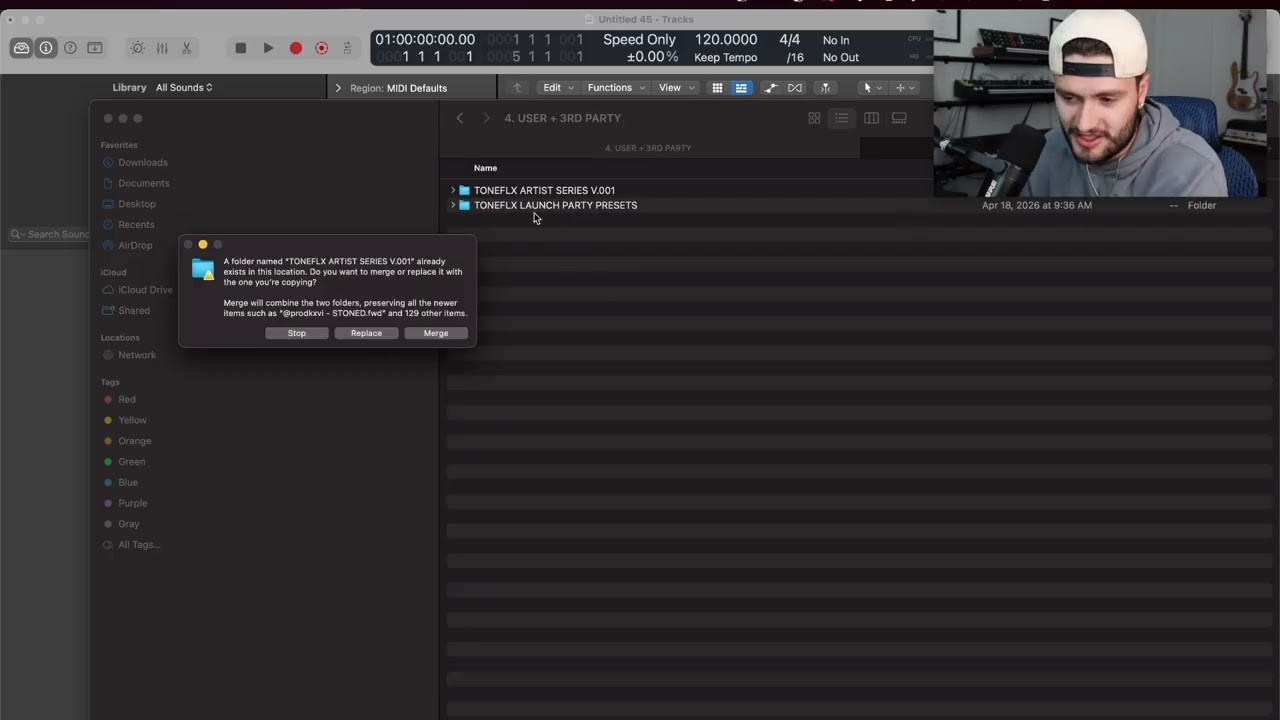
How To Install or Export TONEFLX Presets
In this quick tutorial, KXVI shows you how to import third-party preset banks, install expansion packs, and export your own custom TONEFLX presets.Whether you’re loading in artist packs, organizing your favorite chains, or building your own preset library, this video shows you exactly where everything lives and how to keep your workflow clean and organized.
Tutorials
How To Install or Export TONEFLX Presets

KXVI
How To Update TONEFLX
In this tutorial, KXVI walks you through the TONEFLX update process—from downloading the latest installer to updating your existing installation and getting back to creating without missing a beat.Important: If you've modified any of the factory presets, we recommend backing them up to a separate folder before updating. This prevents any potential overwrite issues during installation. If you've saved your custom presets to a user folder, you don't need to worry—this only applies to presets saved within the factory preset folders.Updating TONEFLX is quick and easy. Simply download the latest installer, run it, restart your DAW, and you're ready to go.Step-by-StepDownload the latest version of TONEFLX from https://toneflx.com/downloadRun the installer for your operating system (Mac or Windows).Completely close your DAW.Re-open your DAW.That's it! TONEFLX will now be updated to the latest version.
Tutorials
How To Update TONEFLX
Quick Start Tutorials
Get started with TONEFLX
KXVI
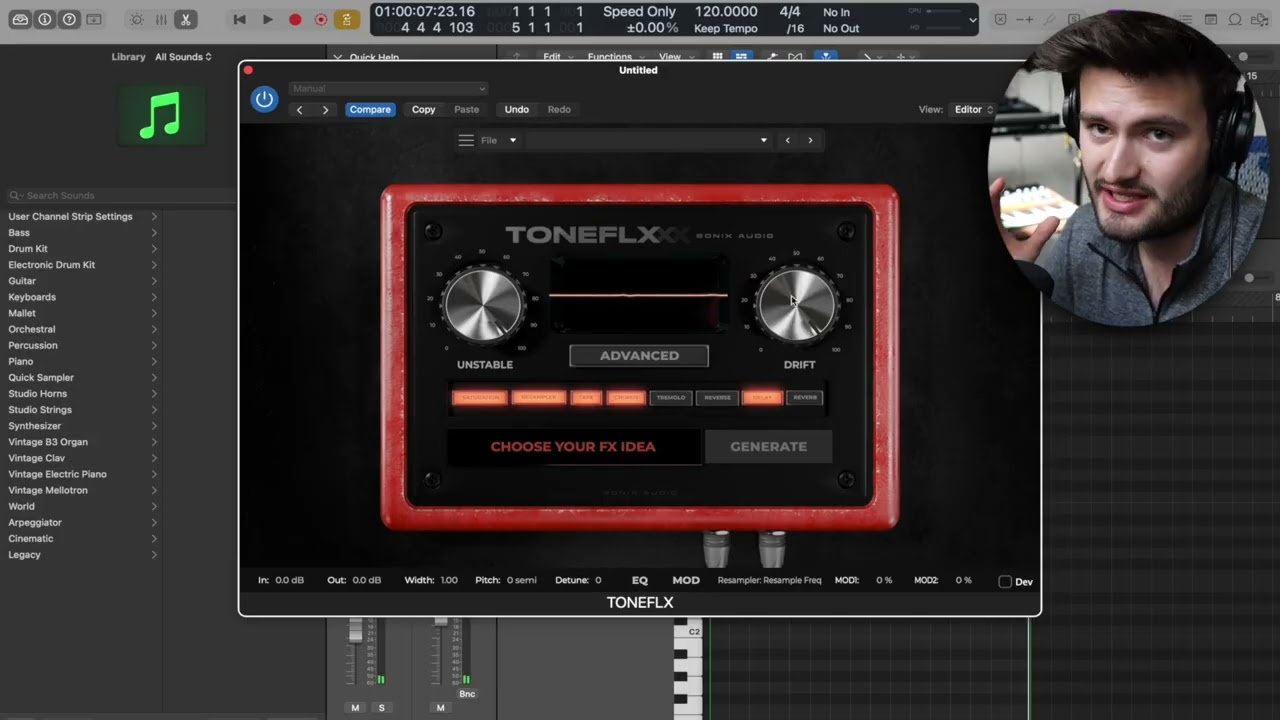
Quick Start Tutorial
In this quick walkthrough, KXVI gives you a full overview of the TONEFLX workflow—from generating instant FX ideas and tweaking pedals inside the Advanced Panel, to using presets, saving your own chains, dialing in UNSTABLE / DRIFT, and exploring extra tools like EQ, stereo width, pitch shifting, and modulation.
Tutorials
Quick Start Tutorial
KXVI
Quick Start Tutorial
In this quick walkthrough, KXVI gives you a full overview of the TONEFLX workflow—from generating instant FX ideas and tweaking pedals inside the Advanced Panel, to using presets, saving your own chains, dialing in UNSTABLE / DRIFT, and exploring extra tools like EQ, stereo width, pitch shifting, and modulation.
Tutorials
Quick Start Tutorial
KXVI
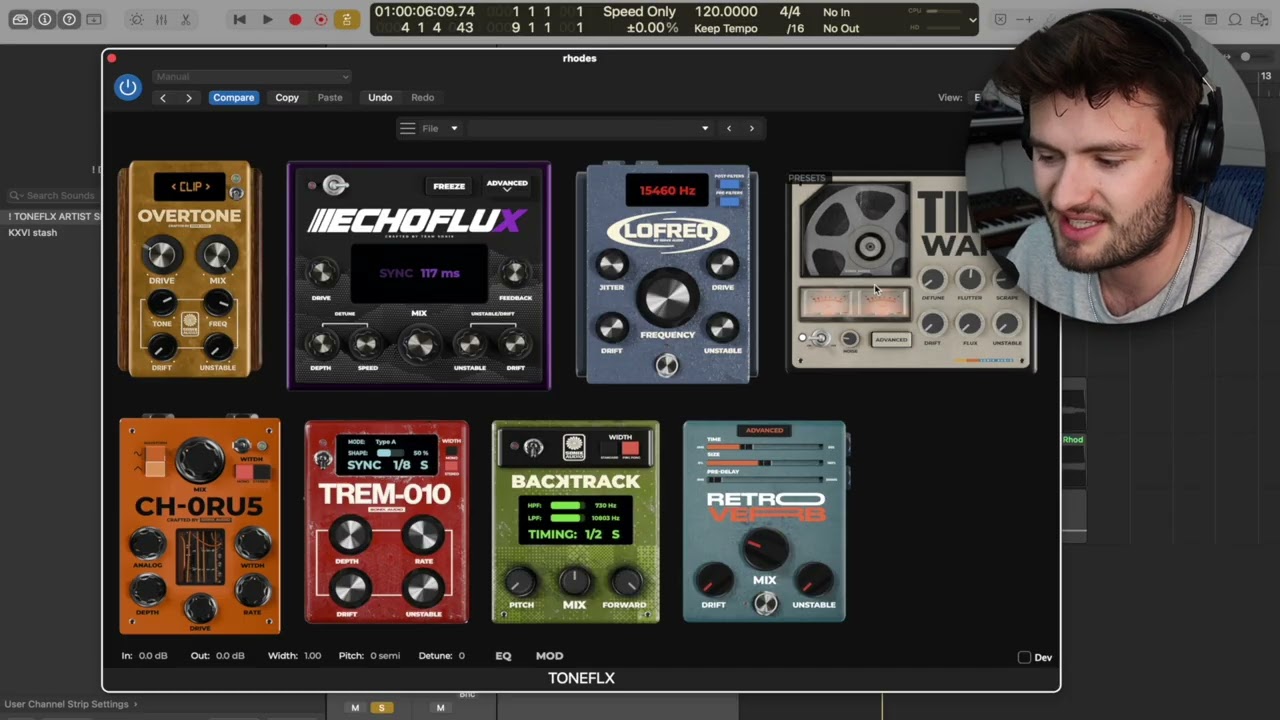
How To Use TONEFLX
In this tutorial, KXVI shows you the fastest ways to get started inside TONEFLX—from browsing signature presets and generating instant FX chains, to diving into the Advanced Panel for full pedalboard control.You’ll learn how to build sounds fast, tweak individual pedals, reorder your signal chain, and use DRIFT and UNSTABLE to add real analog movement and character to your sounds.
Tutorials
How To Use TONEFLX
KXVI
How To Use TONEFLX
In this tutorial, KXVI shows you the fastest ways to get started inside TONEFLX—from browsing signature presets and generating instant FX chains, to diving into the Advanced Panel for full pedalboard control.You’ll learn how to build sounds fast, tweak individual pedals, reorder your signal chain, and use DRIFT and UNSTABLE to add real analog movement and character to your sounds.
Tutorials
How To Use TONEFLX
Tutorials
Learn how to use TONEFLX Pedals
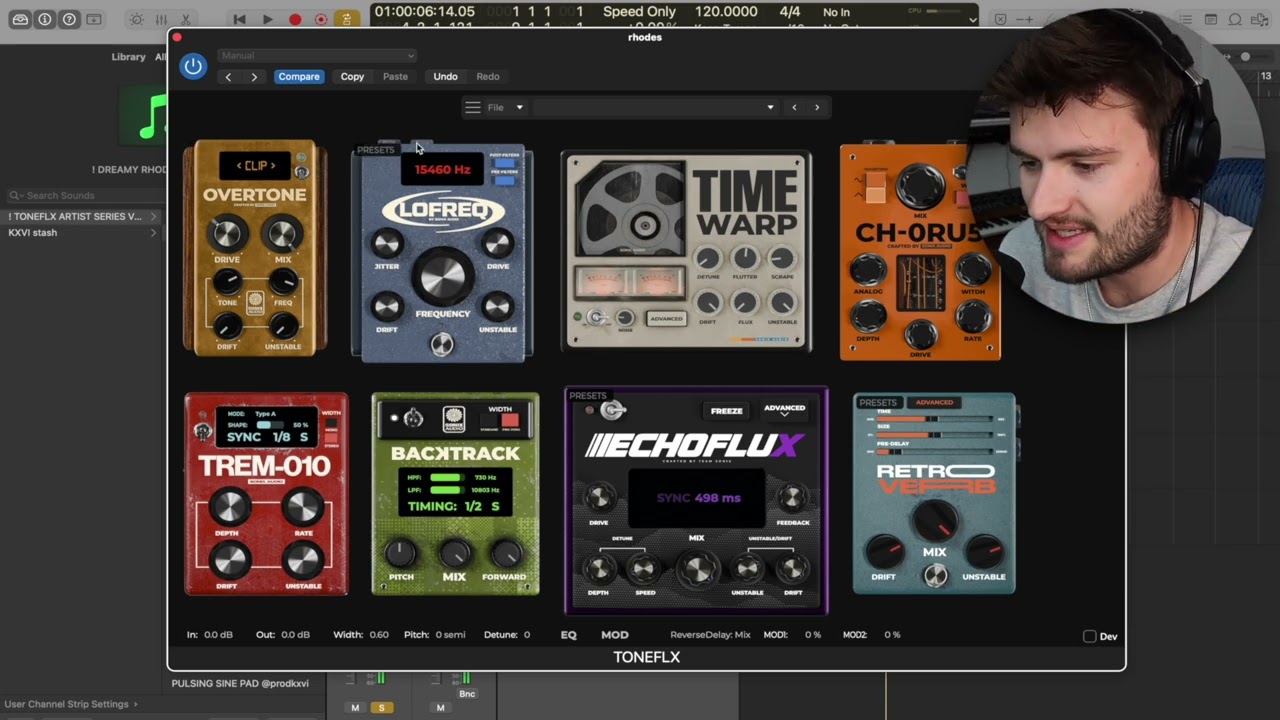
How To Use The Advanced Menu
In this tutorial, KXVI shows you how to unlock the full power of TONEFLX inside the Advanced Panel.Learn how to rearrange your pedal order, experiment with signal chain routing, load individual pedal presets, and access deeper controls that open up even more sound design possibilities. This is where TONEFLX goes from quick inspiration to full creative control.
Tutorials
How To Use The Advanced Menu
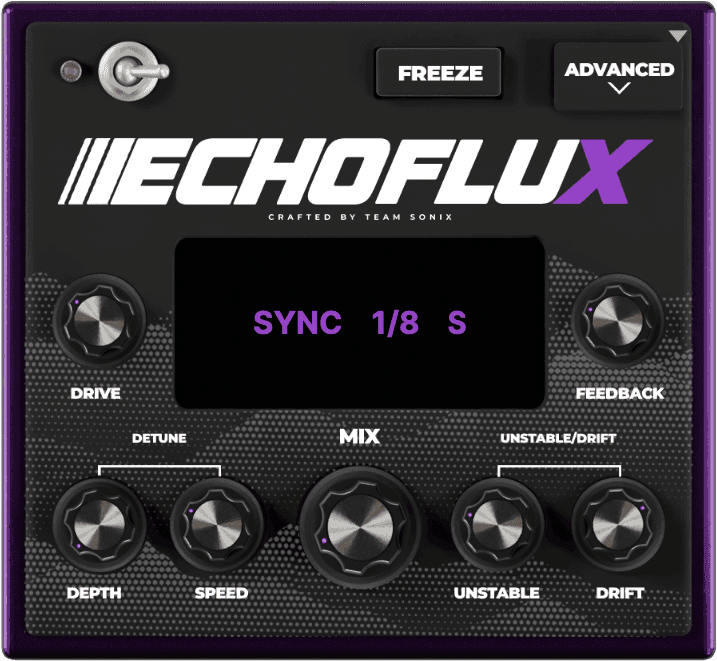
How To Use ECHOFLUX (delay)
In this tutorial, KXVI breaks down ECHOFLUX, TONEFLX’s analog-style delay pedal built for way more than simple echoes.Learn how to create warm vintage repeats, dreamy pitch movement, tape-style instability, freeze and loop ideas in real time, and use advanced controls to turn basic melodies into completely new textures.
Tutorials
How To Use ECHOFLUX (delay)
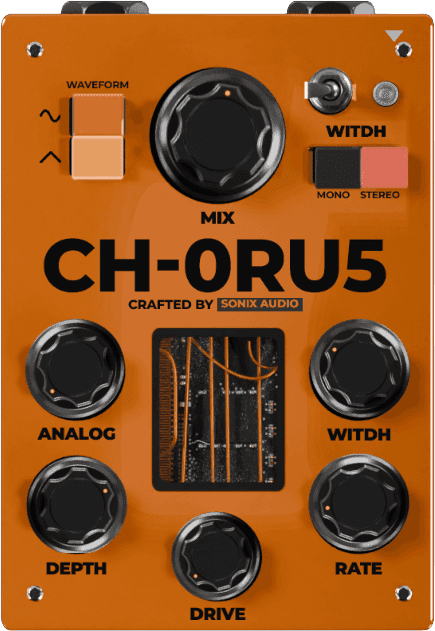
How To Use CH-0RU5 (chorus)
In this tutorial, KXVI breaks down CH-0RU5, TONEFLX’s analog-style chorus pedal.Learn how to add width, warmth, and movement to your sounds, shape stereo space, dial in subtle detune, and use built-in analog coloration and drive to turn a simple chorus into a powerful tone-shaping tool.
Tutorials
How To Use CH-0RU5 (chorus)
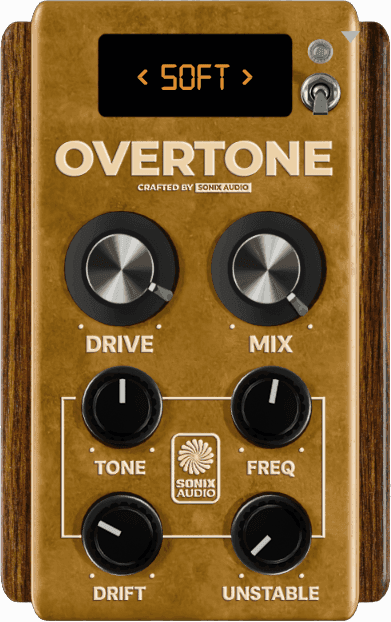
How To Use Overtone (Distortion)
In this tutorial, KXVI breaks down Overtone, TONEFLX’s analog-style saturation pedal.Learn how to add warmth, grit, and body to your sounds, switch between smooth and aggressive distortion modes, shape where saturation happens, and use Overtone as both a subtle tone shaper or a full-on character pedal.
Tutorials
How To Use Overtone (Distortion)
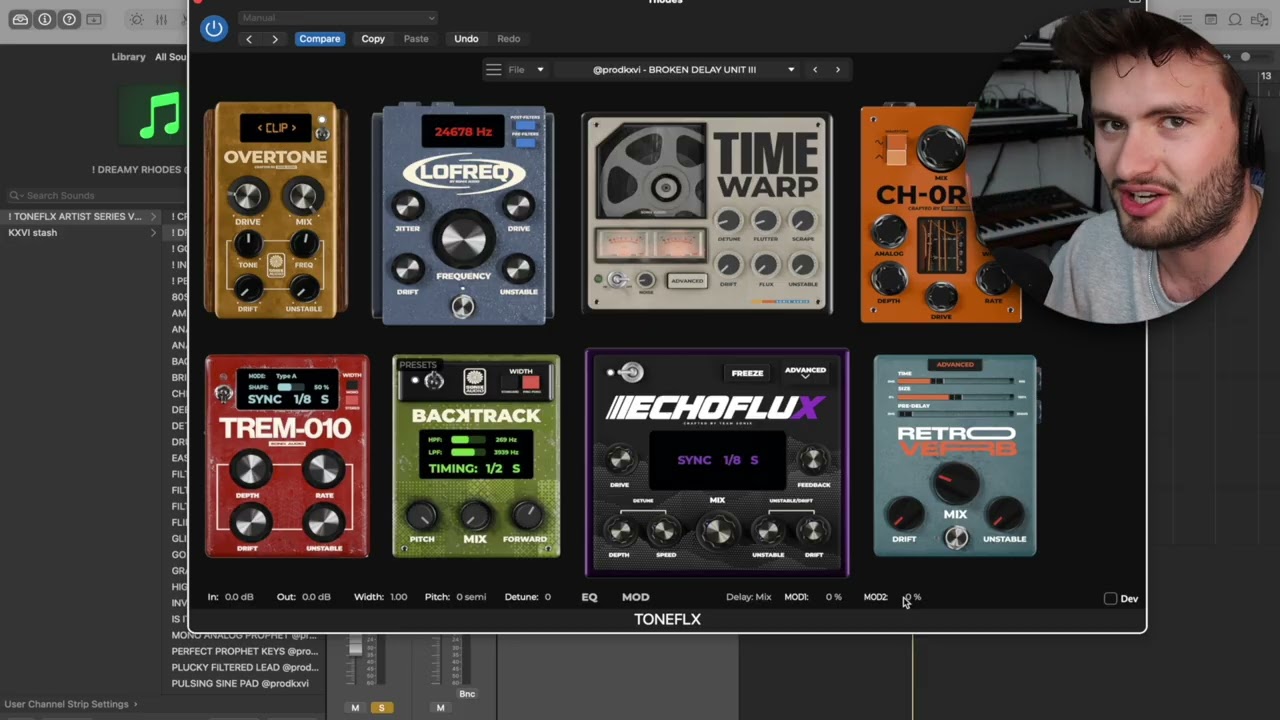
How To Use TONEFLX Modulation & LFO System
In this tutorial, KXVI shows you how to use TONEFLX’s built-in modulation system to automate pedals in real time.Learn how to route parameters to the LFOs, create movement, glitchy textures, rhythmic modulation, and evolving effects—without drawing automation or touching a single knob while your track plays.
Tutorials
How To Use TONEFLX Modulation & LFO System
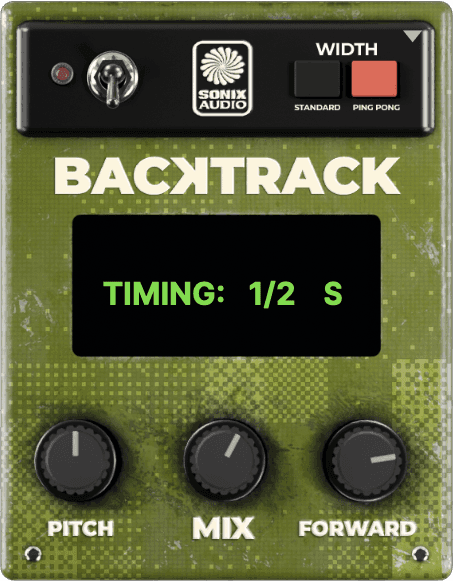
How To Use BACKTRACK (reverse delay)
In this tutorial, KXVI breaks down BACKTRACK, TONEFLX’s reverse delay pedal and one of the most creative tools inside the plugin.Learn how to add subtle reverse textures, create fresh B-sections, pitch-shift reversed layers, and instantly flip melodies into completely new ideas—all while keeping everything musical and in time.
Tutorials
How To Use BACKTRACK (reverse delay)
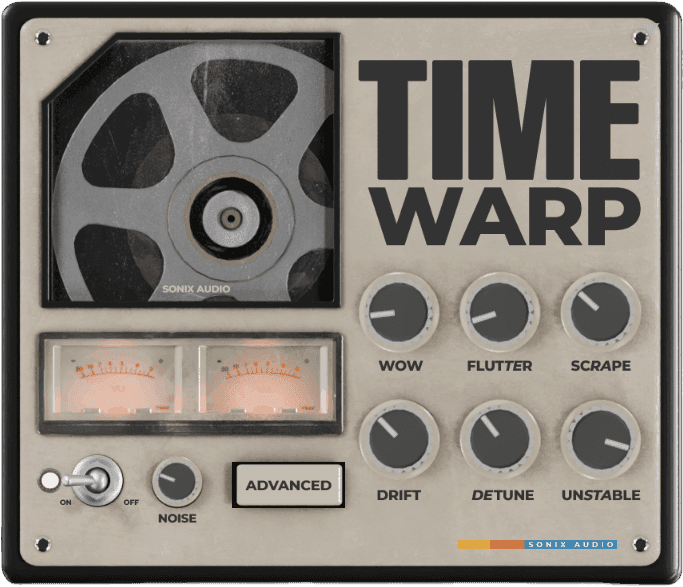
How To use Timewarp (tape)
In this tutorial, KXVI breaks down TimeWarp, TONEFLX’s vintage tape emulation pedal.Learn how to add tape warble, flutter, hiss, dropouts, pitch movement, and analog imperfections—from subtle warmth to fully degraded vintage textures—using both the main controls and advanced tape parameters.
Tutorials
How To use Timewarp (tape)
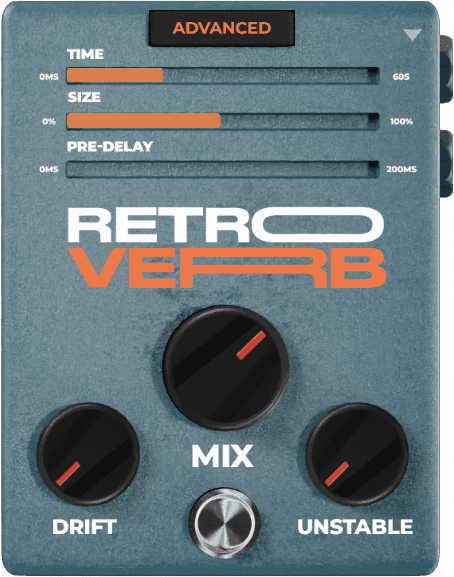
How To Use RTROVERB (reverb)
In this tutorial, KXVI breaks down RTROVERB, TONEFLX’s vintage-style reverb pedal.Learn how to shape everything from tight room ambience to massive 60-second soundscapes, explore different reverb modes, add modulation and saturation, and create lush, evolving textures with tons of analog character.
Tutorials
How To Use RTROVERB (reverb)
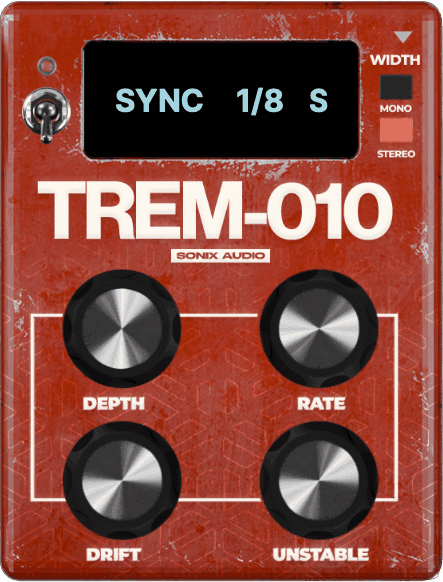
How To Use TREM-010 (tremolo)
In this tutorial, KXVI breaks down TREM-010, TONEFLX’s tremolo pedal built for everything from subtle movement to hard rhythmic chops.Learn how to create classic volume tremolo, wide stereo panning effects, sidechain-style pulse, and evolving rhythmic textures using sync modes, waveform shaping, and analog-style modulation.
Tutorials
How To Use TREM-010 (tremolo)
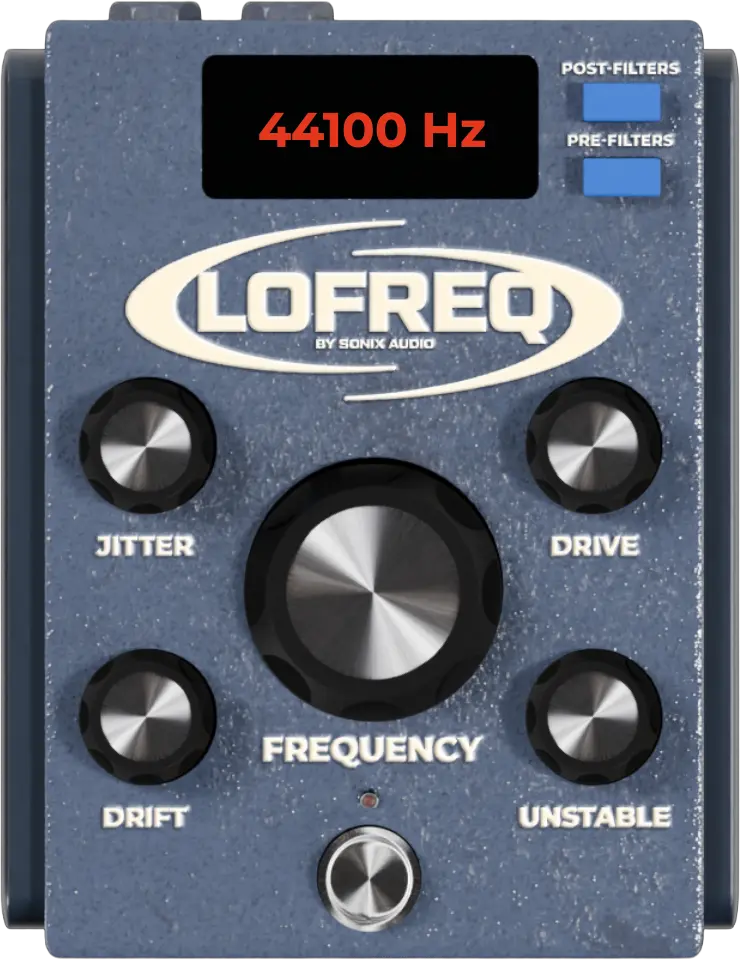
How To Use LoFreq (resampler)
In this tutorial, KXVI breaks down LOFREQ, TONEFLX’s filter, downsampler, and bitcrusher pedal.Learn how to create smooth underwater filtering, gritty lo-fi textures, moving filter effects, vinyl-style character, and fully crushed digital sound design—from subtle vibe to complete destruction.
Tutorials
How To Use LoFreq (resampler)
How To Use The Advanced Menu
In this tutorial, KXVI shows you how to unlock the full power of TONEFLX inside the Advanced Panel.Learn how to rearrange your pedal order, experiment with signal chain routing, load individual pedal presets, and access deeper controls that open up even more sound design possibilities. This is where TONEFLX goes from quick inspiration to full creative control.
Tutorials
How To Use The Advanced Menu
How To Use RTROVERB (reverb)
In this tutorial, KXVI breaks down RTROVERB, TONEFLX’s vintage-style reverb pedal.Learn how to shape everything from tight room ambience to massive 60-second soundscapes, explore different reverb modes, add modulation and saturation, and create lush, evolving textures with tons of analog character.
Tutorials
How To Use RTROVERB (reverb)
How To Use BACKTRACK (reverse delay)
In this tutorial, KXVI breaks down BACKTRACK, TONEFLX’s reverse delay pedal and one of the most creative tools inside the plugin.Learn how to add subtle reverse textures, create fresh B-sections, pitch-shift reversed layers, and instantly flip melodies into completely new ideas—all while keeping everything musical and in time.
Tutorials
How To Use BACKTRACK (reverse delay)
How To Use CH-0RU5 (chorus)
In this tutorial, KXVI breaks down CH-0RU5, TONEFLX’s analog-style chorus pedal.Learn how to add width, warmth, and movement to your sounds, shape stereo space, dial in subtle detune, and use built-in analog coloration and drive to turn a simple chorus into a powerful tone-shaping tool.
Tutorials
How To Use CH-0RU5 (chorus)
How To Use LoFreq (resampler)
In this tutorial, KXVI breaks down LOFREQ, TONEFLX’s filter, downsampler, and bitcrusher pedal.Learn how to create smooth underwater filtering, gritty lo-fi textures, moving filter effects, vinyl-style character, and fully crushed digital sound design—from subtle vibe to complete destruction.
Tutorials
How To Use LoFreq (resampler)
How To Use TONEFLX Modulation & LFO System
In this tutorial, KXVI shows you how to use TONEFLX’s built-in modulation system to automate pedals in real time.Learn how to route parameters to the LFOs, create movement, glitchy textures, rhythmic modulation, and evolving effects—without drawing automation or touching a single knob while your track plays.
Tutorials
How To Use TONEFLX Modulation & LFO System
How To Use ECHOFLUX (delay)
In this tutorial, KXVI breaks down ECHOFLUX, TONEFLX’s analog-style delay pedal built for way more than simple echoes.Learn how to create warm vintage repeats, dreamy pitch movement, tape-style instability, freeze and loop ideas in real time, and use advanced controls to turn basic melodies into completely new textures.
Tutorials
How To Use ECHOFLUX (delay)
How To Use TREM-010 (tremolo)
In this tutorial, KXVI breaks down TREM-010, TONEFLX’s tremolo pedal built for everything from subtle movement to hard rhythmic chops.Learn how to create classic volume tremolo, wide stereo panning effects, sidechain-style pulse, and evolving rhythmic textures using sync modes, waveform shaping, and analog-style modulation.
Tutorials
How To Use TREM-010 (tremolo)
How To use Timewarp (tape)
In this tutorial, KXVI breaks down TimeWarp, TONEFLX’s vintage tape emulation pedal.Learn how to add tape warble, flutter, hiss, dropouts, pitch movement, and analog imperfections—from subtle warmth to fully degraded vintage textures—using both the main controls and advanced tape parameters.
Tutorials
How To use Timewarp (tape)
How To Use Overtone (Distortion)
In this tutorial, KXVI breaks down Overtone, TONEFLX’s analog-style saturation pedal.Learn how to add warmth, grit, and body to your sounds, switch between smooth and aggressive distortion modes, shape where saturation happens, and use Overtone as both a subtle tone shaper or a full-on character pedal.
Tutorials
How To Use Overtone (Distortion)
How To Use The Advanced Menu
In this tutorial, KXVI shows you how to unlock the full power of TONEFLX inside the Advanced Panel.Learn how to rearrange your pedal order, experiment with signal chain routing, load individual pedal presets, and access deeper controls that open up even more sound design possibilities. This is where TONEFLX goes from quick inspiration to full creative control.
Tutorials
How To Use The Advanced Menu
How To Use TONEFLX Modulation & LFO System
In this tutorial, KXVI shows you how to use TONEFLX’s built-in modulation system to automate pedals in real time.Learn how to route parameters to the LFOs, create movement, glitchy textures, rhythmic modulation, and evolving effects—without drawing automation or touching a single knob while your track plays.
Tutorials
How To Use TONEFLX Modulation & LFO System
How To Use RTROVERB (reverb)
In this tutorial, KXVI breaks down RTROVERB, TONEFLX’s vintage-style reverb pedal.Learn how to shape everything from tight room ambience to massive 60-second soundscapes, explore different reverb modes, add modulation and saturation, and create lush, evolving textures with tons of analog character.
Tutorials
How To Use RTROVERB (reverb)
How To Use ECHOFLUX (delay)
In this tutorial, KXVI breaks down ECHOFLUX, TONEFLX’s analog-style delay pedal built for way more than simple echoes.Learn how to create warm vintage repeats, dreamy pitch movement, tape-style instability, freeze and loop ideas in real time, and use advanced controls to turn basic melodies into completely new textures.
Tutorials
How To Use ECHOFLUX (delay)
How To Use BACKTRACK (reverse delay)
In this tutorial, KXVI breaks down BACKTRACK, TONEFLX’s reverse delay pedal and one of the most creative tools inside the plugin.Learn how to add subtle reverse textures, create fresh B-sections, pitch-shift reversed layers, and instantly flip melodies into completely new ideas—all while keeping everything musical and in time.
Tutorials
How To Use BACKTRACK (reverse delay)
How To Use TREM-010 (tremolo)
In this tutorial, KXVI breaks down TREM-010, TONEFLX’s tremolo pedal built for everything from subtle movement to hard rhythmic chops.Learn how to create classic volume tremolo, wide stereo panning effects, sidechain-style pulse, and evolving rhythmic textures using sync modes, waveform shaping, and analog-style modulation.
Tutorials
How To Use TREM-010 (tremolo)
How To Use CH-0RU5 (chorus)
In this tutorial, KXVI breaks down CH-0RU5, TONEFLX’s analog-style chorus pedal.Learn how to add width, warmth, and movement to your sounds, shape stereo space, dial in subtle detune, and use built-in analog coloration and drive to turn a simple chorus into a powerful tone-shaping tool.
Tutorials
How To Use CH-0RU5 (chorus)
How To use Timewarp (tape)
In this tutorial, KXVI breaks down TimeWarp, TONEFLX’s vintage tape emulation pedal.Learn how to add tape warble, flutter, hiss, dropouts, pitch movement, and analog imperfections—from subtle warmth to fully degraded vintage textures—using both the main controls and advanced tape parameters.
Tutorials
How To use Timewarp (tape)
How To Use LoFreq (resampler)
In this tutorial, KXVI breaks down LOFREQ, TONEFLX’s filter, downsampler, and bitcrusher pedal.Learn how to create smooth underwater filtering, gritty lo-fi textures, moving filter effects, vinyl-style character, and fully crushed digital sound design—from subtle vibe to complete destruction.
Tutorials
How To Use LoFreq (resampler)
How To Use Overtone (Distortion)
In this tutorial, KXVI breaks down Overtone, TONEFLX’s analog-style saturation pedal.Learn how to add warmth, grit, and body to your sounds, switch between smooth and aggressive distortion modes, shape where saturation happens, and use Overtone as both a subtle tone shaper or a full-on character pedal.
Tutorials
How To Use Overtone (Distortion)
Built for the way
you create

SoniX Audio
Sounds, software and production tools to help modern producers move from inspiration to finished music faster.
Made with ❤︎ by

Built for the way
you create
SoniX Audio
Sounds, software and production tools to help modern producers move from inspiration to finished music faster.
Made with ❤︎ by
Built for the way
you create
SoniX Audio
Sounds, software and production tools to help modern producers move from inspiration to finished music faster.
Made with ❤︎ by